AI Image Generator from Image: Transform Your Photos with AI in 2026
Discover how image-to-image AI works and how to transform your photos using reference images. Step-by-step guides for ChatGPT GPT-4o, AI2image, Stable Diffusion img2img, Midjourney, and Leonardo.ai with prompt tips and use cases.
AI Image Generator from Image: Transform Your Photos with AI in 2026
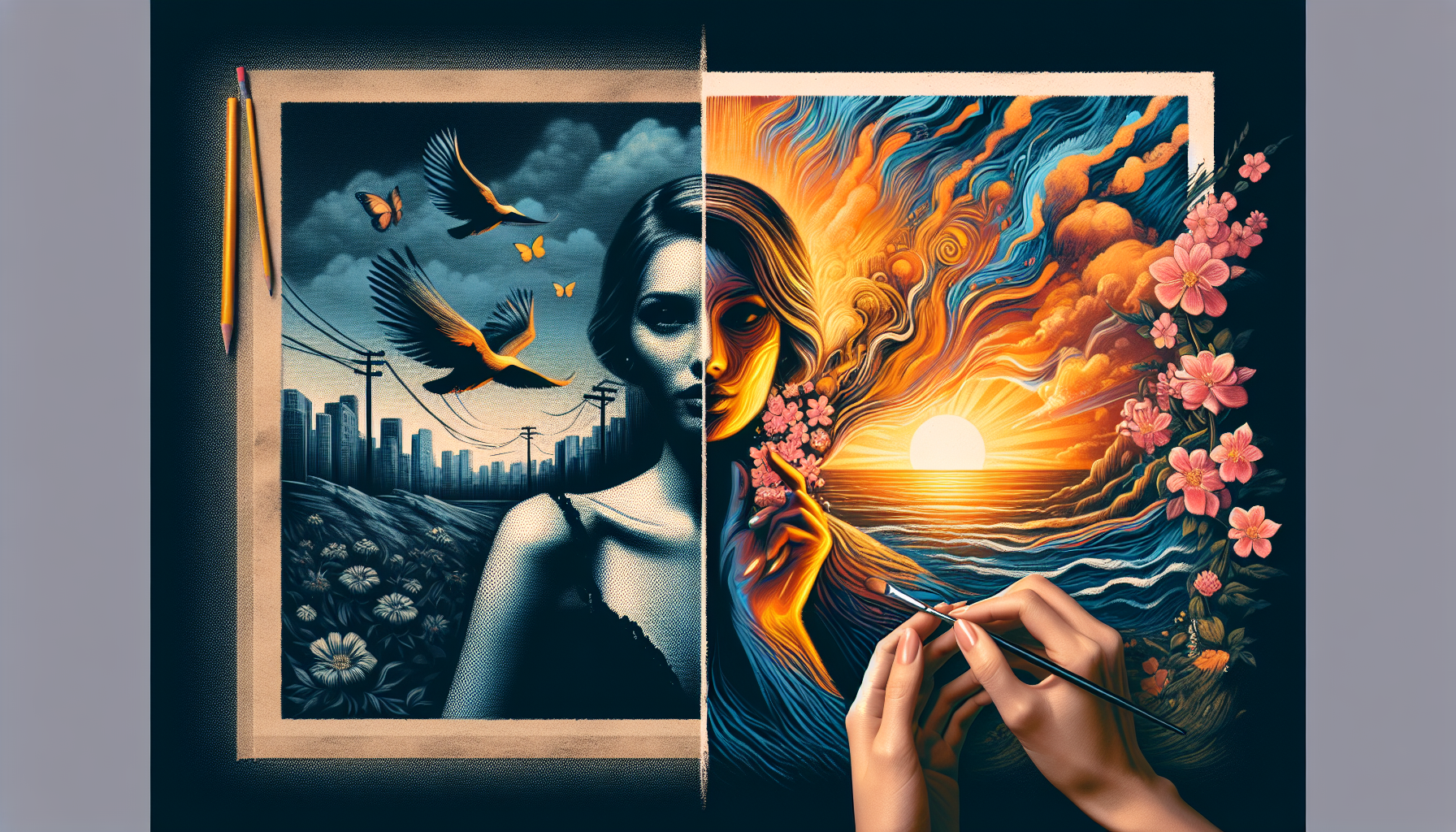
What if you could take any photo and transform it into a completely different style, enhance its quality, swap the background, or reimagine it as a painting — all using AI? Image-to-image AI generation makes this possible. Instead of starting from a blank canvas with a text prompt, you upload a reference image and let AI transform it into something new. In this comprehensive guide, we cover how it works, the best tools available, step-by-step instructions, and expert prompt tips for stunning results.
Transform your photos with AI today
AI2image lets you upload a reference image and generate AI-powered variations using DALL-E 3. Get 3 free image generations when you sign up — no credit card required.
What Is an AI Image Generator from Image?
An AI image generator from image (also called image-to-image or img2img) is a tool that takes an existing photograph or illustration as input and generates a new image based on it. Unlike text-to-image generation where you start with only words, image-to-image generation uses your uploaded photo as a visual reference, giving the AI a concrete starting point.
The AI analyzes the composition, colors, shapes, and structure of your reference image and then applies transformations based on your text prompt. This allows you to preserve the layout and key elements of your original photo while completely changing its style, mood, or content.
For example, you could upload a selfie and transform it into a Studio Ghibli character, take a rough sketch and turn it into a polished illustration, or enhance a low-resolution photo to stunning 4K quality — all powered by the same underlying diffusion model technology.
How Does Image-to-Image AI Work?
Image-to-image AI generation is built on diffusion models — the same technology behind text-to-image generators like DALL-E 3 and Stable Diffusion. Here is a simplified breakdown of the process:
- Encoding: Your uploaded image is converted into a latent representation — a compressed mathematical form that captures the essential structure, shapes, and composition of the photo.
- Noise Addition: Controlled noise is added to this latent representation. The amount of noise (controlled by a "denoising strength" parameter) determines how much the AI can deviate from the original. Low noise means subtle changes; high noise means dramatic transformation.
- Guided Denoising: The AI model removes the noise step by step, guided by your text prompt. During this process, it blends the structure of your original image with the new style or content described in your prompt.
- Decoding: The final latent representation is decoded back into a visible image — your transformed photo.
The key parameter is denoising strength (sometimes called "image influence" or "creativity"). A value of 0.3 keeps the output very close to your original; a value of 0.8 allows the AI to take creative liberties while retaining only the broad composition.
Best AI Image Generator from Image Tools in 2026
Here is how the top image-to-image AI tools compare:
| Tool | Image Input | Best For | Price | Ease of Use |
|---|---|---|---|---|
| AI2image | Upload reference | Quick style transfer, variations | 3 free, then $5.99/10 | Very Easy |
| ChatGPT (GPT-4o) | Paste or upload | Conversational editing, iterative refinement | $20/month | Very Easy |
| Midjourney | Image URL prompt | Artistic transformations, blending | $10/month | Moderate |
| Stable Diffusion | img2img pipeline | Full control, ControlNet, inpainting | Free (self-hosted) | Advanced |
| Leonardo.ai | Upload + canvas | Creative workflows, game assets | 150 free tokens/day | Easy |
Step-by-Step: How to Use Each Tool
ChatGPT GPT-4o — Conversational Image Transformation
GPT-4o natively understands images and can generate new ones based on your uploads. This is the easiest way to transform photos with AI.
- Step 1: Open ChatGPT and make sure you are on GPT-4o.
- Step 2: Upload your photo by clicking the attachment icon or pasting the image directly into the chat.
- Step 3: Write a prompt describing the transformation you want. For example:
"Transform this photo into a Studio Ghibli anime scene, keeping the same composition and people" - Step 4: Review the result. Ask for adjustments conversationally:
"Make the colors warmer"or"Add cherry blossoms in the background"
Pro tip: GPT-4o excels at iterative refinement. Start with a broad transformation, then fine-tune details across multiple messages.
AI2image — Upload and Transform in Seconds
AI2image provides a streamlined interface for image-to-image generation powered by DALL-E 3.
- Step 1: Visit ai2image.com and sign up for 3 free credits.
- Step 2: Click the upload button to add your reference image.
- Step 3: Write a prompt describing how you want the image transformed. For example:
"Reimagine this photo as a watercolor painting with soft pastel colors" - Step 4: Click Generate and download your transformed image in seconds.
Pro tip: Browse the AI2image prompt library for inspiration — many prompts work great with reference images too.
Stable Diffusion img2img — Maximum Control
Stable Diffusion's img2img pipeline gives you granular control over every aspect of the transformation.
- Step 1: Install Stable Diffusion WebUI (AUTOMATIC1111 or ComfyUI) on your local machine or use a cloud instance.
- Step 2: Navigate to the img2img tab and upload your reference image.
- Step 3: Set the denoising strength (0.3 for subtle changes, 0.5-0.7 for moderate transformation, 0.8+ for dramatic changes).
- Step 4: Write your prompt and negative prompt, choose your model (SDXL, SD3, or a fine-tuned checkpoint), and click Generate.
- Step 5: For precise control, use ControlNet to lock specific aspects like pose, edges, or depth while freely changing style and content.
Pro tip: Use ControlNet with the "canny" or "depth" preprocessor to maintain exact composition while completely changing the art style.
Midjourney — Image Prompts for Artistic Blending
Midjourney lets you use images as part of your prompt to influence the generated output.
- Step 1: Upload your reference image to Discord or host it online to get a direct URL.
- Step 2: In the Midjourney Discord or web interface, start your prompt with the image URL followed by your text prompt:
https://your-image-url.jpg a fantasy oil painting with dramatic lighting --iw 1.5 - Step 3: Use the
--iw(image weight) parameter to control how much influence the reference image has. Values range from 0.5 (less influence) to 2.0 (strong influence). - Step 4: Upscale your favorite variation and download.
Pro tip: Combine two image URLs to blend elements from both photos into one new image — great for creating unique composite artwork.
Leonardo.ai — Creative Canvas Workflows
Leonardo.ai offers an intuitive canvas-based approach to image-to-image generation with built-in AI models.
- Step 1: Sign up at leonardo.ai for 150 free daily tokens.
- Step 2: Go to "AI Image Generation" and select the "Image to Image" option.
- Step 3: Upload your reference image and adjust the "Init Strength" slider to control transformation intensity.
- Step 4: Choose a model (Leonardo Diffusion XL works great for photorealistic transforms) and write your prompt.
- Step 5: Generate and use the canvas editor for further refinements like inpainting specific areas.
Pro tip: Leonardo's "Alchemy" mode produces significantly higher quality results — worth the extra tokens for important projects.
Want to transform your photos with AI?
Upload a reference image and get AI-generated variations in seconds. No design skills needed.
Try AI2image Free →Top Use Cases for AI Image-to-Image Generation
Image-to-image AI opens up creative possibilities that go far beyond simple filters. Here are the most popular use cases:
1. Style Transfer
Transform any photo into a different artistic style. Turn a landscape photo into a Monet painting, convert a portrait into anime, or make a city scene look like a vintage postcard. Style transfer preserves the composition and subject of your original while completely reimagining the visual aesthetic.
Best prompt approach: "Transform this [photo type] into [target style], maintaining the same composition and subjects, [quality modifiers]"
2. Photo Enhancement and Upscaling
AI can dramatically improve photo quality — fix blurry images, upscale low-resolution photos to 4K, reduce noise from low-light shots, and restore old or damaged photographs. Unlike traditional upscaling that simply interpolates pixels, AI generates new detail that looks natural and sharp.
Best prompt approach: "Enhance this photo to high resolution, sharp details, professional quality, maintain original content exactly"
3. Background Change and Removal
Swap the background of any photo without manual masking. Place a product on a marble countertop, move a portrait subject to a sunset beach, or replace a cluttered room with a clean studio backdrop. AI understands foreground and background separation automatically.
Best prompt approach: "Keep the main subject exactly as is, replace the background with [new background description]"
4. Age Progression and Appearance Changes
See what someone might look like at different ages, with different hairstyles, or in different outfits. AI can realistically age or de-age faces, change hair color and style, add or remove accessories, and simulate different fashion looks — all while maintaining the person's recognizable features.
Best prompt approach: "Transform this portrait to show the person as [age/appearance change], photorealistic, maintaining facial features and identity"
5. Sketch to Finished Art
Artists and designers can upload rough sketches, wireframes, or doodles and have AI transform them into polished, finished artwork. This accelerates the creative workflow from concept to final piece, making it invaluable for concept artists, illustrators, and UI designers.
Best prompt approach: "Turn this sketch into a [finished style] illustration, detailed, professional quality, clean lines and shading"
6. Product Visualization
E-commerce businesses use image-to-image AI to generate product photos in different settings, colors, and contexts without expensive photo shoots. Upload one product photo and generate dozens of lifestyle images showing it in various environments.
Best prompt approach: "Place this product in [environment], professional product photography, studio lighting, commercial quality"
Prompt Tips for Reference Image Generation
The Image-to-Image Prompt Formula
When working with reference images, your prompt structure should differ from text-to-image prompts:
[What to keep] + [What to change] + [Target style] + [Quality modifiers]
Example:
Keep the same person and pose [what to keep], transform into a fantasy warrior with glowing armor [what to change], digital concept art style [target style], highly detailed, dramatic lighting, 4K [quality]
Tip 1: Specify what to preserve. Always tell the AI what elements of the original image should remain unchanged. Say "maintain the same composition", "keep the person's face identical", or "preserve the original layout" to anchor important elements.
Tip 2: Control transformation intensity with your words. Use phrases like "subtle adjustment" or "slight variation" for minor changes, versus "completely reimagine" or "dramatic transformation" for major overhauls. This works alongside the denoising strength slider.
Tip 3: Reference specific art styles. Instead of vague descriptions, name specific styles: "in the style of Studio Ghibli", "as a Pixar 3D render", "like a Van Gogh painting", "cyberpunk neon aesthetic". Specific references produce far more consistent and recognizable results.
Tip 4: Use negative prompts wisely. When available, specify what to avoid: "no distortion of facial features", "no extra limbs", "no blurry areas", "no text overlays". This prevents common artifacts in image-to-image generation.
Tip 5: Match resolution and aspect ratio. For best results, upload reference images at the same resolution and aspect ratio as your desired output. Mismatched dimensions can cause unwanted cropping, stretching, or composition changes.
AI Image Generator from Photo: Common Mistakes to Avoid
- Setting denoising too high: A denoising strength above 0.85 essentially ignores your reference image. Start at 0.4-0.5 and increase gradually.
- Uploading low-quality references: The AI can only work with what you give it. Use the highest quality source image available.
- Vague prompts: "Make it better" gives unpredictable results. Be specific about the style, mood, and changes you want.
- Ignoring aspect ratio: If your reference is portrait but you request landscape output, expect distorted or cropped results.
- Not iterating: Rarely is the first generation perfect. Generate multiple variations and refine your prompt based on what you see.
Frequently Asked Questions
What is the best AI image generator from image?
For ease of use, ChatGPT GPT-4o and AI2image are the best options — just upload a photo, describe the transformation, and get results in seconds. For maximum control and customization, Stable Diffusion with ControlNet is unmatched. Midjourney excels at artistic and stylized transformations. The best tool depends on your needs: quick results vs. fine-grained control.
Can I use AI to transform a photo into a different art style?
Yes, style transfer is one of the most popular uses of image-to-image AI. You can transform any photo into styles like Studio Ghibli anime, oil painting, watercolor, cyberpunk, pixel art, comic book, and more. Upload your photo to AI2image or ChatGPT, describe the target style in your prompt, and the AI will generate a stylized version while preserving the composition and subjects of your original.
How is image-to-image different from text-to-image AI?
Text-to-image AI generates images entirely from a text description, starting from random noise. Image-to-image AI uses your uploaded photo as a starting point, preserving its structure and composition while applying transformations guided by your text prompt. Image-to-image gives you more control over the final result because the AI has a visual reference to work from, making it ideal for photo editing, style transfer, and iterative refinement.
Is there a free AI image generator that works with reference images?
Yes, several options are available for free. AI2image offers 3 free image generations including image-to-image capability. Leonardo.ai provides 150 free tokens daily that can be used for image-to-image generation. Stable Diffusion is completely free if you run it locally on your own hardware with a compatible GPU. ChatGPT also offers limited free image generation with GPT-4o.
What is denoising strength and how does it affect image-to-image results?
Denoising strength (also called "image influence" or "creativity") controls how much the AI deviates from your reference image. A low value like 0.2-0.3 makes minimal changes, keeping the output very close to the original. A medium value like 0.5-0.6 allows noticeable style changes while preserving composition. A high value like 0.8-1.0 gives the AI maximum creative freedom, producing results that may only loosely resemble the original. Start around 0.4-0.5 for most use cases and adjust from there.
Transform Your Photos with AI Now
Upload a photo, describe the transformation, and get results in seconds. 3 free generations, no credit card.
Try AI2image Free →Try this prompt:
Transform this photo into a Studio Ghibli anime scene, keeping the same composition and people, soft watercolor textures, warm lighting
Try this prompt:
Reimagine this portrait as a Renaissance oil painting, dramatic chiaroscuro lighting, rich warm tones, museum quality
Try this prompt:
Convert this landscape photo into a cyberpunk cityscape at night, neon lights reflecting on wet streets, futuristic buildings, cinematic 4K